



This article will guide you on How to install Laravel and create Laravel Project, further how you can also achieve auth routes scaffolding with laravel ui package

Page Contents
The Following are the steps required to install Laravel
1. Install composer –
php -r "copy('https://getcomposer.org/installer', 'composer-setup.php');"
php -r "if (hash_file('sha384', 'composer-setup.php') === '756890a4488ce9024fc62c56153228907f1545c228516cbf63f885e036d37e9a59d27d63f46af1d4d07ee0f76181c7d3') { echo 'Installer verified'; } else { echo 'Installer corrupt'; unlink('composer-setup.php'); } echo PHP_EOL;"
php composer-setup.php
php -r "unlink('composer-setup.php');"
Once you have the composer installed, another important thing you would want to do is make the composer globally accessible. More on it you can find on composer official documentation – here. And here is the command –
mv composer.phar /usr/local/bin/composerFor Window check this link here
2. Install Laravel Installer as a global Composer dependency –
composer global require laravel/installerWith this you will have Laravel installed on your machine
The following command will create a Laravel Project –
laravel new laravellearning
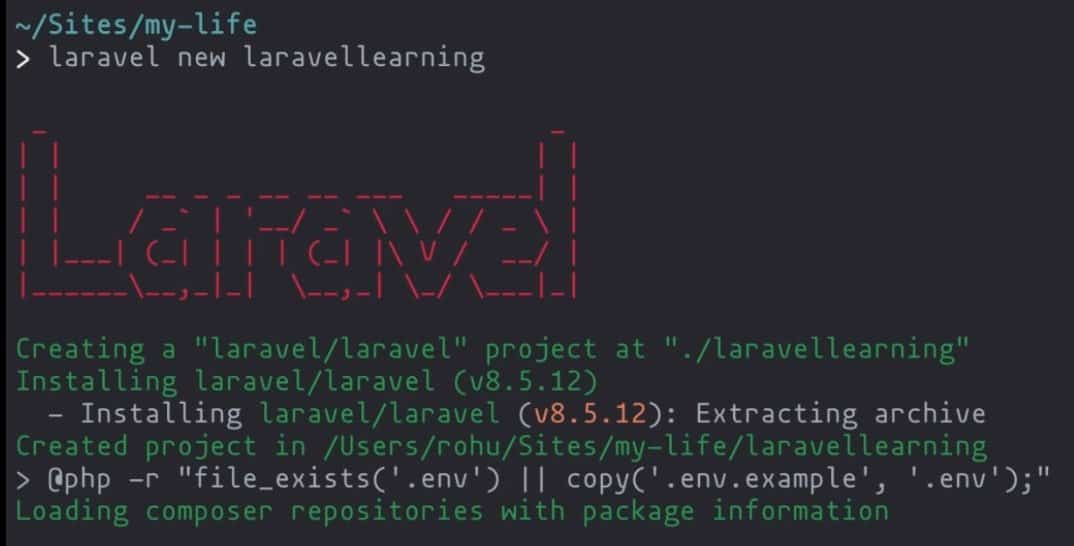

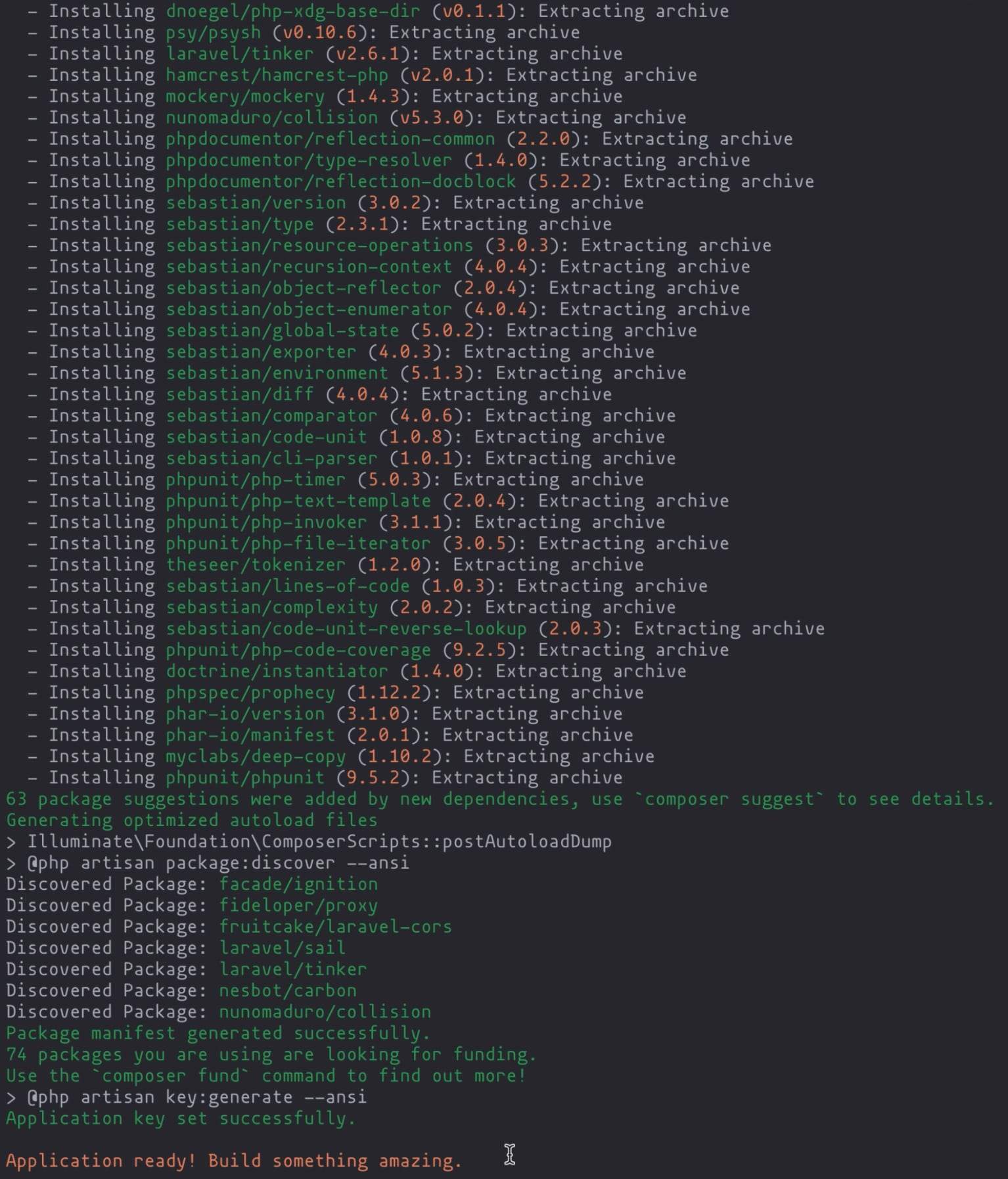
laravellearning project folder will be created
To check the Laravel Installer version
laravel --version

To check the Laravel framework version
php artisan --version

Create Virtual Host
vhost conf file located in mac – /usr/local/etc/httpd/extra/httpd-vhosts.conf
##################################
# LaravelLearning.com #
##################################

<VirtualHost 0.0.0.0:80>
    DocumentRoot "<path-to-your-laravel-project>/laravellearning/public"
    ServerName laravellearning.test
    <Directory <path-to-your-laravel-project>/laravellearning/public>
        Options Indexes FollowSymLinks
        AllowOverride All
        Require all granted
    </Directory>
</VirtualHost>
<VirtualHost 0.0.0.0:80> can be replaced with <VirtualHost *:80>Create Host entry in the host file
host file located in mac – /private/etc/hosts
laravellearning.test
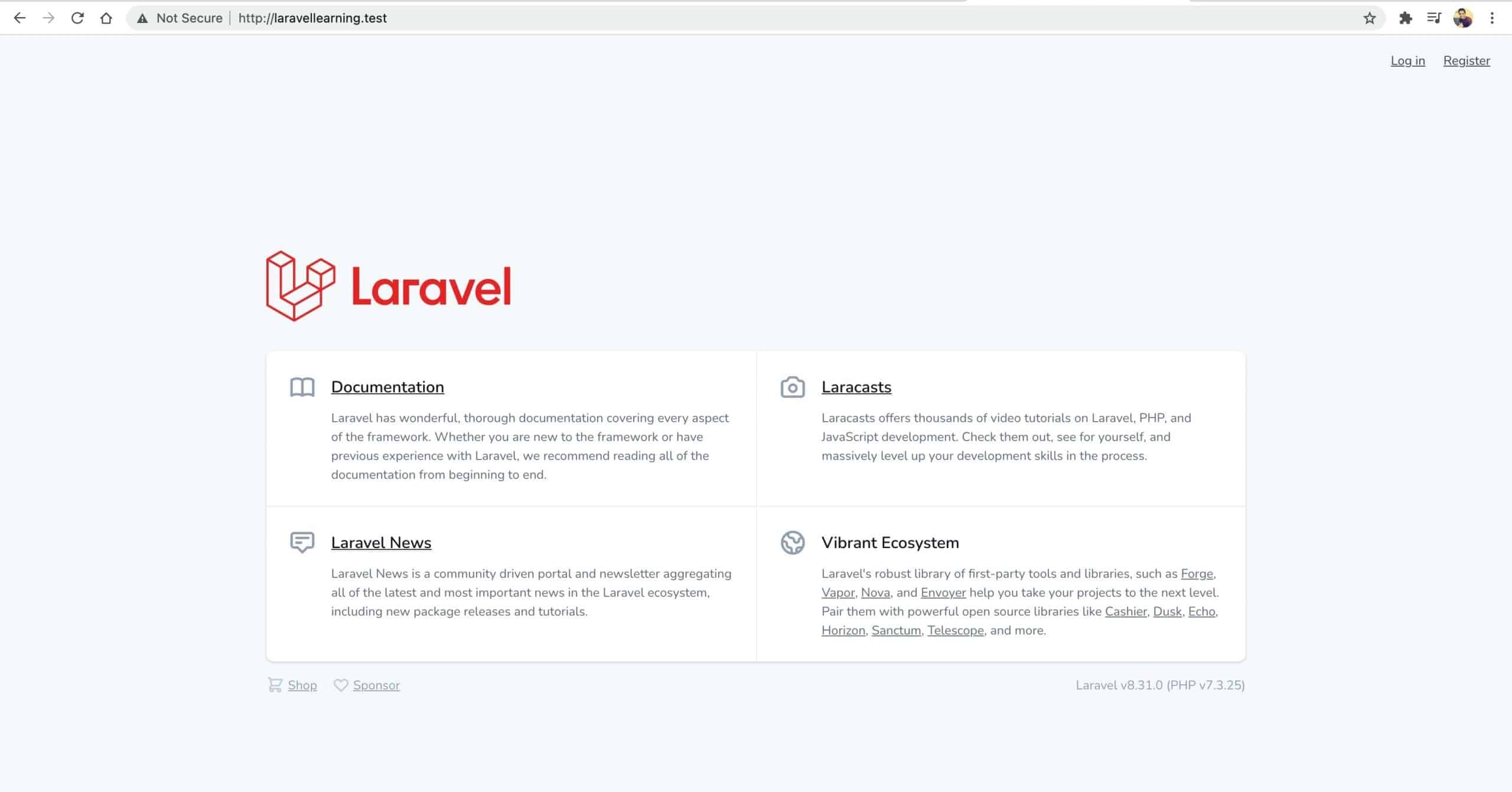
Now, it is always better to have any one HTML / CSS library in the project
For that Laravel has us covered with laravel/ui package. It provides a quick way to scaffold all of the routes and views you need for authentication using a few simple commands
composer require laravel/ui
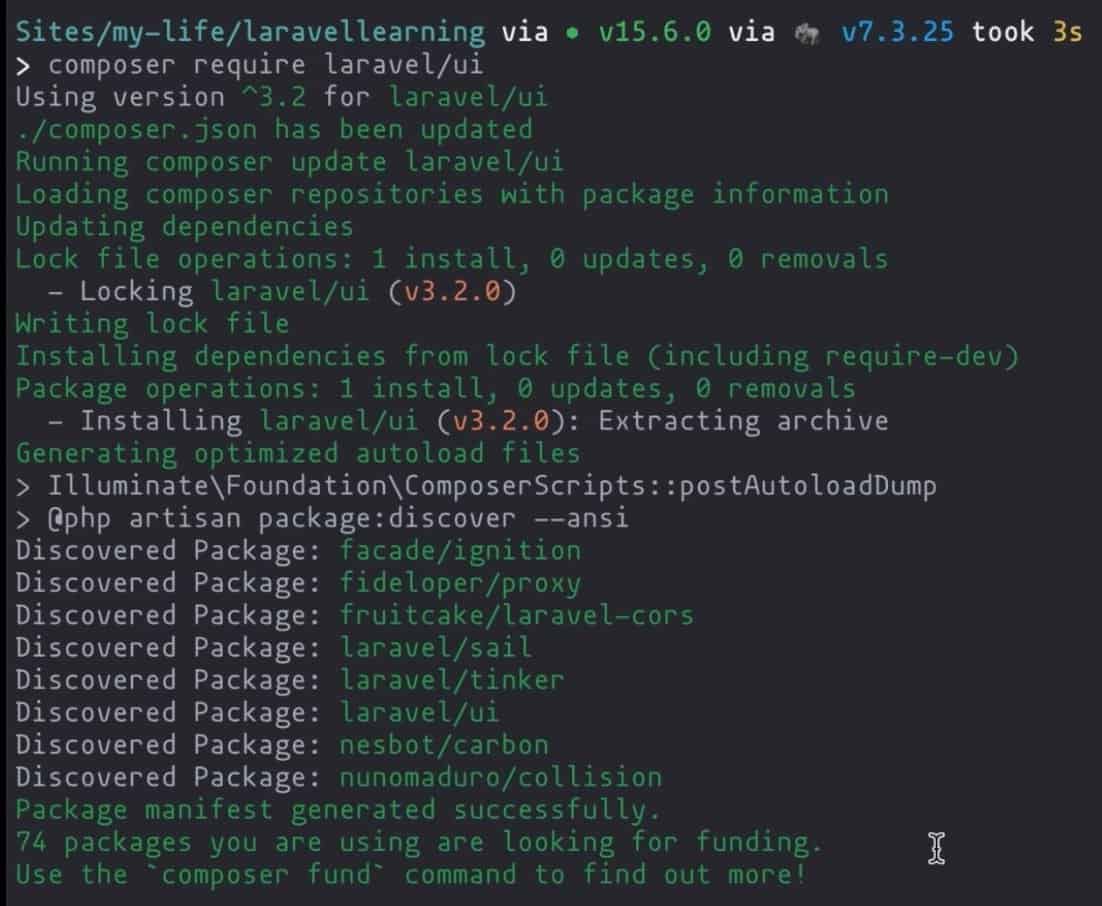
Once the laravel/ui package has been installed, you may install the frontend scaffolding using the ui Artisan command:
// Generate basic scaffolding...
php artisan ui bootstrap
php artisan ui vue
php artisan ui react

// Generate login / registration scaffolding...
php artisan ui bootstrap --auth
php artisan ui vue --auth
php artisan ui react --auth
I usually go with bootstrap auth scaffolding to start off with…
php artisan ui bootstrap --auth

followed by compiling style sheets
npm install && npm run dev
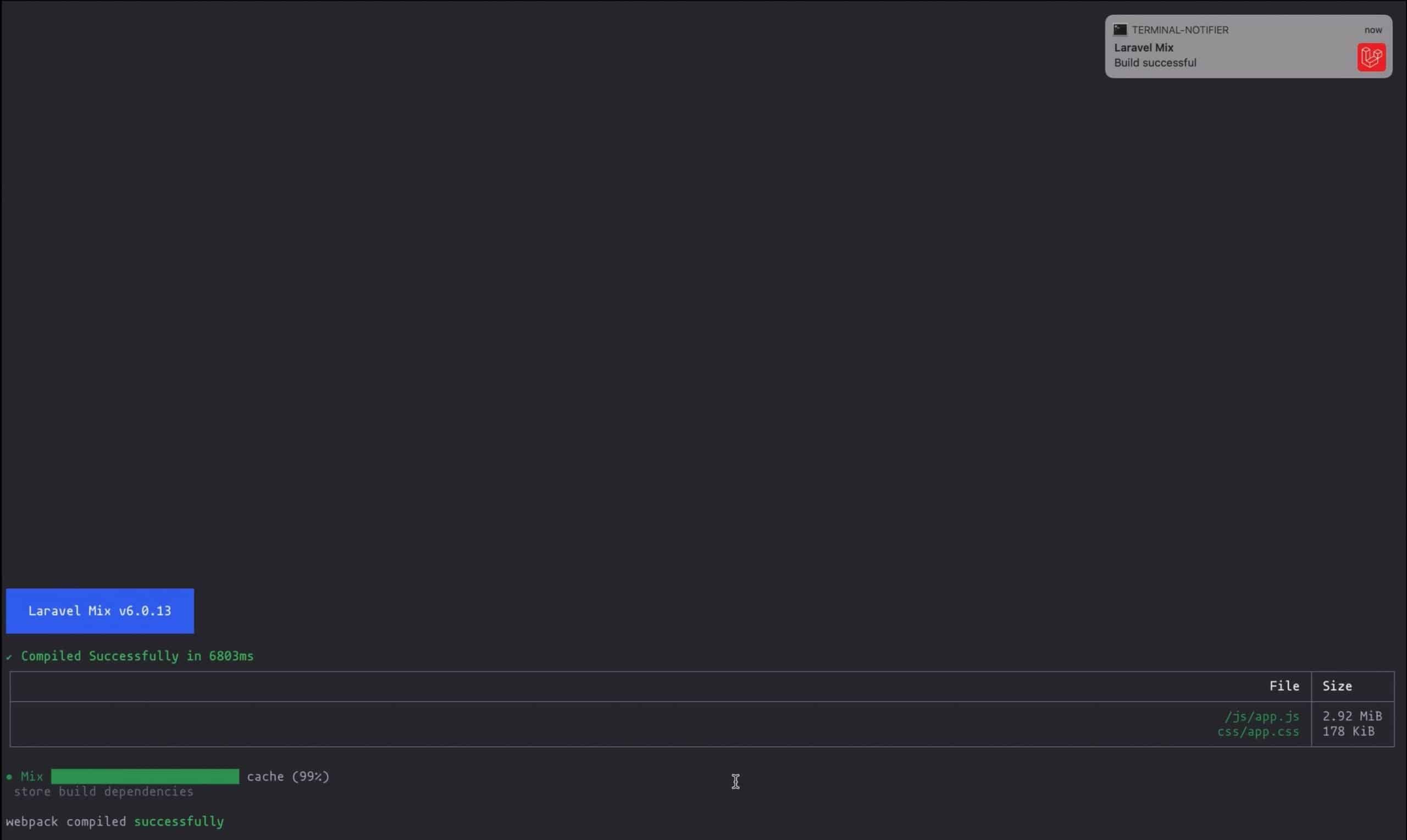
Conclusion – This is how one can install Laravel and create a Laravel Project.
Some Interesting Reads
- How to use IF Functions in Google sheets for Data Analysis
- How to avoid Job Duplication in a Distributed Laravel Queue Environment
- http1 vs http2 vs http3
- MySQL Got a packet bigger than ‘max_allowed_packet’ bytes
- How to import dummy content in WordPress 5.7